Newsletter

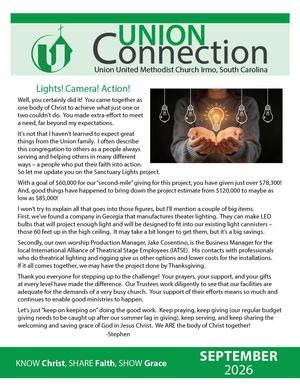
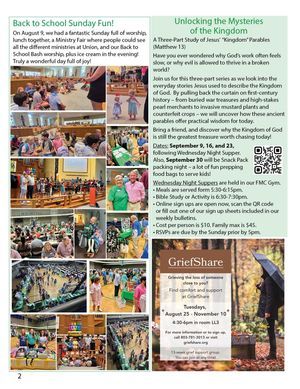
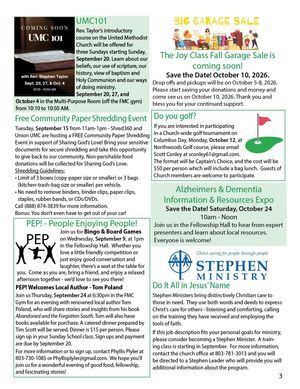
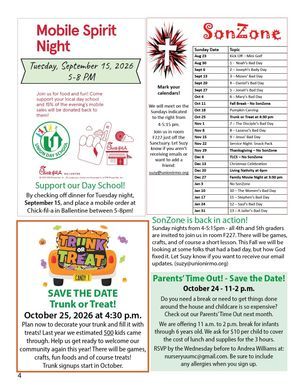
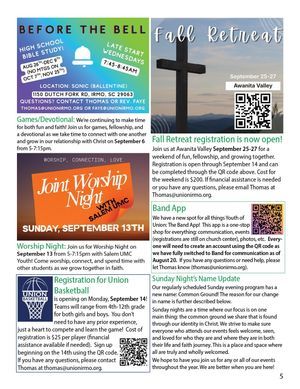
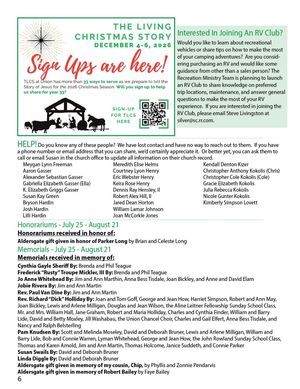
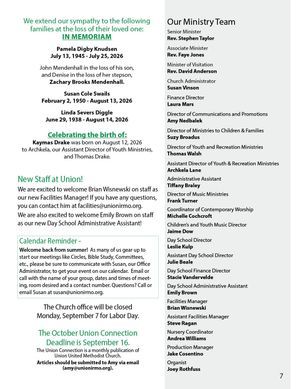
Check out some of our past issues below:

Would you like to receive a copy of our newsletter in the mail? 

(There are 11 issues/year. Each month, except June & July are combined)

If so, please click here and sign up so we can add you to our list!

Do you have an announcement, pictures, or an article you would like to share with the church and add to our newsletters?

Please share your church news with us, so we can include it in the next newsletter. Generally, the deadline for each issue is the 15th of the month, unless it's November or December (Thanksgiving and Christmas). 

Send your story for the next newsletter to Amy Nedbalek here.

  • 2025 Newsletters

  • Formatting text in your Accordion content.

    To format text in your Accordion content follow these steps.

    1. In the Accordion Manager view click the pencil icon to the right of the Accordion content you would like to format.

    2. Select the text in the content field you would like to format.

    3. Select the type of formatting you would like to apply to the text.

    4. Click the button labeled "Update".

    5. Select another Accordion content field or click the button labeled "Update" in the Accordion Manager modal. Don't forget to save your page.
  • Inserting images and video into your Accordion content.

    To insert images and video into your Accordion content follow these steps.

    1. Click the pencil icon to select the Accordion content you would like to edit.

    2. Click in the content field and create a new line to see icons for inserting both images and videos.

    3. Click the appropriate icon and select your images and videos from the file manager.

    4. Click the button labeled "Update" to update your content.

    5. Select another Accordion content section you would like to edit or click the button labeled "Update" in the Accordion Manager modal. Don't forget to save your page.